
Learn What Features Matter Most in Construction Collaboration Software for 2026
Learn which features matter most in construction collaboration software in 2026. This practical guide covers AI capabilities, mobile functionality, integrations, and security features that project managers and construction directors need to evaluate.
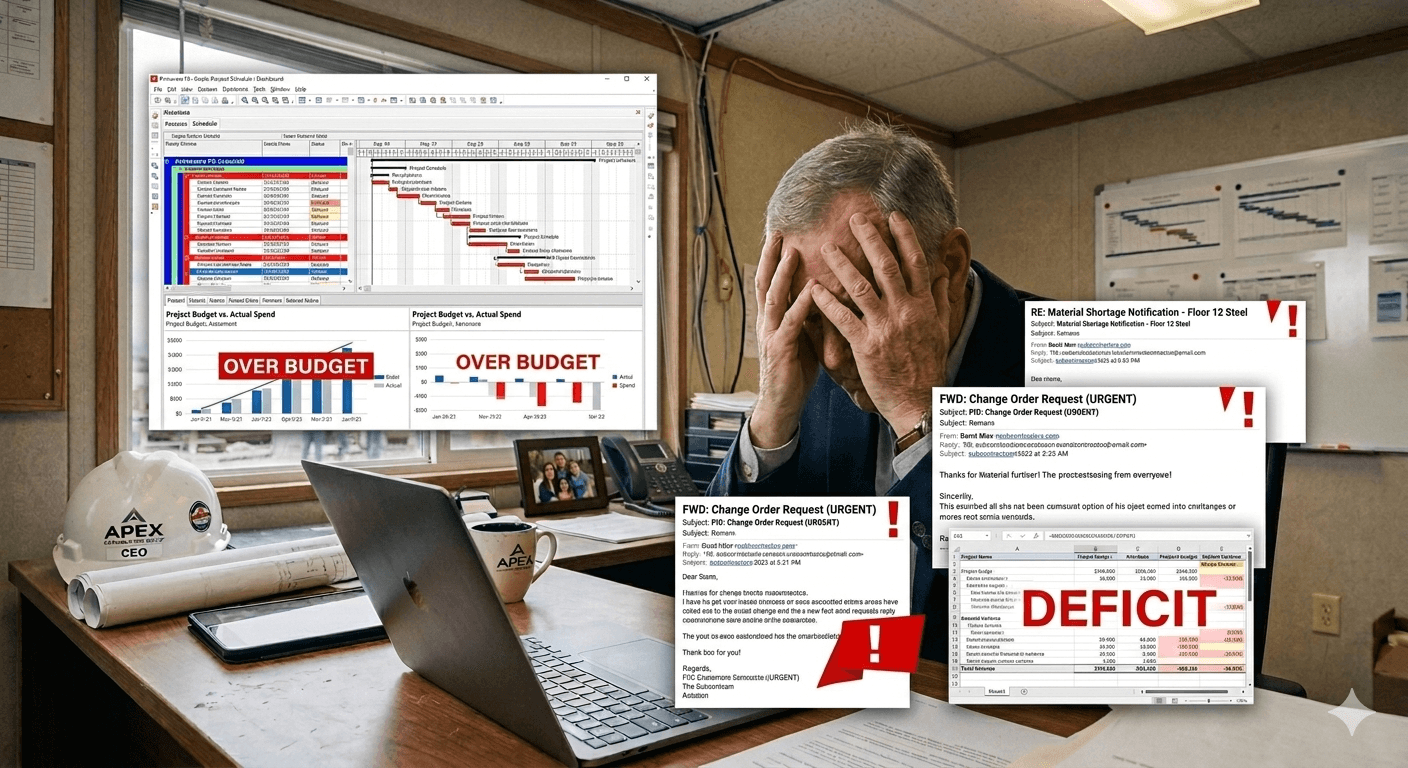
Let's be real – if you're still managing construction projects with email threads, scattered spreadsheets, and prayer, you're fighting an uphill battle. The construction industry is experiencing a digital transformation, and the right construction collaboration software isn't just a nice-to-have anymore – it's mission-critical for staying competitive.
In 2026, the landscape of construction management software is evolving faster than ever. This guide breaks down exactly what features you should prioritize when evaluating contech solutions for your team. Whether you're a project manager juggling multiple sites or a Construction Director planning your tech stack, these insights will help you make the right call.
Real-Time Communication and Mobile-First Design
Your team isn't sitting at desks all day – they're on-site, in the field, dealing with real-time challenges. That's why mobile-first functionality isn't optional anymore. The best construction collaboration software needs to work seamlessly whether someone's in the office or standing in mud on a jobsite.
Instant messaging and notifications: Push alerts that actually matter, not noise that gets ignored
Offline capabilities: Full functionality even when cell coverage is spotty or non-existent
Voice-to-text features: Because typing with gloves on is a nightmare
Photo and video sharing: Document issues instantly with visual evidence from the field
Touch-optimized interfaces: Easy navigation on tablets and phones without tiny buttons
💡 Expert Tip
Test the mobile app with actual field workers before committing. Have them use it with gloves on, in bright sunlight, and with one hand while holding plans in the other. If it fails these real-world tests, keep looking.
AI and Automation Features That Actually Work
Everyone's talking about AI in construction, but not all AI features are created equal. The difference between useful AI and marketing fluff comes down to whether it solves actual problems you face daily. Look for automation that saves time and reduces human error without creating more complexity.
Smart Document Management
Automatic version control: Never wonder which drawing is current again
Intelligent search: Find that one detail in thousands of documents using natural language
Auto-tagging and categorization: AI-powered organization that learns your naming conventions
Change detection: Automatically highlight what's different between drawing versions
Predictive Analytics and Risk Management
Schedule prediction: AI that spots potential delays before they happen
Budget forecasting: Real-time cost projections based on actual progress
Safety alerts: Pattern recognition that identifies risk factors before incidents occur
Resource optimization: Smart recommendations for labor and equipment allocation
Seamless Integration with Your Existing Tech Stack
Your construction collaboration software shouldn't be an island. In 2026, the winning platforms are the ones that play nice with everything else you're already using. Integration capabilities can make or break your digital workflow.
Native BIM integrations: Direct connections to Revit, Navisworks, and other design tools
Accounting software sync: Two-way data flow with QuickBooks, Sage, or Procore
ERP system compatibility: Seamless connection to enterprise resource planning platforms
IoT device connectivity: Pull data from sensors, drones, and smart equipment
API access: Custom integrations when you need something specific
Single sign-on (SSO): One login for everything, improving security and user adoption
Advanced Project Visibility and Reporting
As a COO or Construction Director, you need to see the big picture without drowning in details. Modern construction management software should give you customizable dashboards that show exactly what matters to your role.
Customizable dashboards: Build views that show your KPIs at a glance
Multi-project views: See all your projects in one place with portfolio-level insights
Automated reporting: Schedule reports to generate and send automatically
Real-time progress tracking: Visual progress indicators tied to actual site conditions
Financial transparency: Cost tracking that updates as changes happen
Drill-down capabilities: Click through from summary to granular detail when needed
💡 Expert Tip
Ask vendors for a trial period where you can import data from an actual completed project. Build the reports you wish you'd had during that project. This reveals whether the system can truly deliver the insights you need.
Security, Compliance, and Permission Controls
Construction projects involve sensitive financial data, proprietary designs, and confidential client information. Your contech platform needs enterprise-grade security without making collaboration a hassle.
Role-based access control: Granular permissions so people see only what they need
Audit trails: Complete history of who accessed or changed what and when
Data encryption: Both in transit and at rest, meeting industry standards
Compliance tools: Built-in support for safety regulations and documentation requirements
External collaboration: Secure ways to share with subcontractors, clients, and consultants
Backup and recovery: Reliable data protection with quick restoration options
Key Takeaways
Mobile-first design is essential – your software must work flawlessly in the field with offline capabilities
AI features should solve real problems like document management, schedule prediction, and risk detection, not just be marketing buzzwords
Integration capabilities determine whether your construction collaboration software becomes your central hub or just another disconnected tool
Reporting and visibility features need to be customizable for different roles from site managers to executives
Security and permissions must balance protection with ease of collaboration across your extended project team
Frequently Asked Questions (FAQ)
What's the biggest mistake companies make when choosing construction collaboration software?
The biggest mistake is selecting software based solely on features lists without testing it with actual users in real conditions. Many platforms look great in demos but fall apart when field workers try to use them on jobsites. Always run a pilot project with your team before committing to a full rollout.
How much should we expect to invest in construction management software in 2026?
Pricing varies widely based on company size and feature sets, but expect to invest between $50-$200 per user per month for comprehensive platforms. Remember that the cost of not having proper collaboration tools – in delays, errors, and inefficiency – typically far exceeds the software investment. Focus on ROI rather than just upfront costs.
Can AI in construction really predict project delays before they happen?
Yes, but with important caveats. AI can analyze historical data, current progress, and external factors to identify patterns that typically lead to delays. However, it's not magic – the predictions are only as good as the data you feed it. The most effective implementations combine AI insights with experienced human judgment.
How long does it typically take to implement new construction collaboration software?
Implementation timelines range from 2-6 months depending on company size and complexity. This includes data migration, user training, and process adaptation. Plan for a phased rollout starting with one project or team, then expanding once you've worked out the kinks.
What's the difference between construction collaboration software and traditional project management tools?
Construction collaboration software is purpose-built for the unique challenges of construction projects – including field coordination, drawing management, RFIs, submittals, and trade-specific workflows. Generic project management tools lack these specialized features and often can't handle the complexity and real-time nature of construction work.
Conclusion
Choosing the right construction collaboration software for 2026 comes down to finding a platform that balances powerful features with real-world usability. The winners will be mobile-first solutions with meaningful AI capabilities, seamless integrations, robust security, and reporting that gives everyone from site managers to executives the visibility they need. Don't get distracted by flashy features that look impressive but don't solve actual problems your team faces daily.
The construction technology landscape is competitive, which means you have more quality options than ever before. Take advantage of this by testing multiple platforms with your actual team members, on real projects, in genuine field conditions. The right construction management software will pay for itself many times over through improved efficiency, fewer errors, and better project outcomes. Start your evaluation process now, and you'll be positioned to hit the ground running in 2026.