
Free vs Paid Construction Management Software: When to Upgrade
Learn when free construction management software becomes a liability and how to identify the right time to upgrade to paid platforms. Includes decision checklist, ROI analysis, and expert guidance for construction project managers.
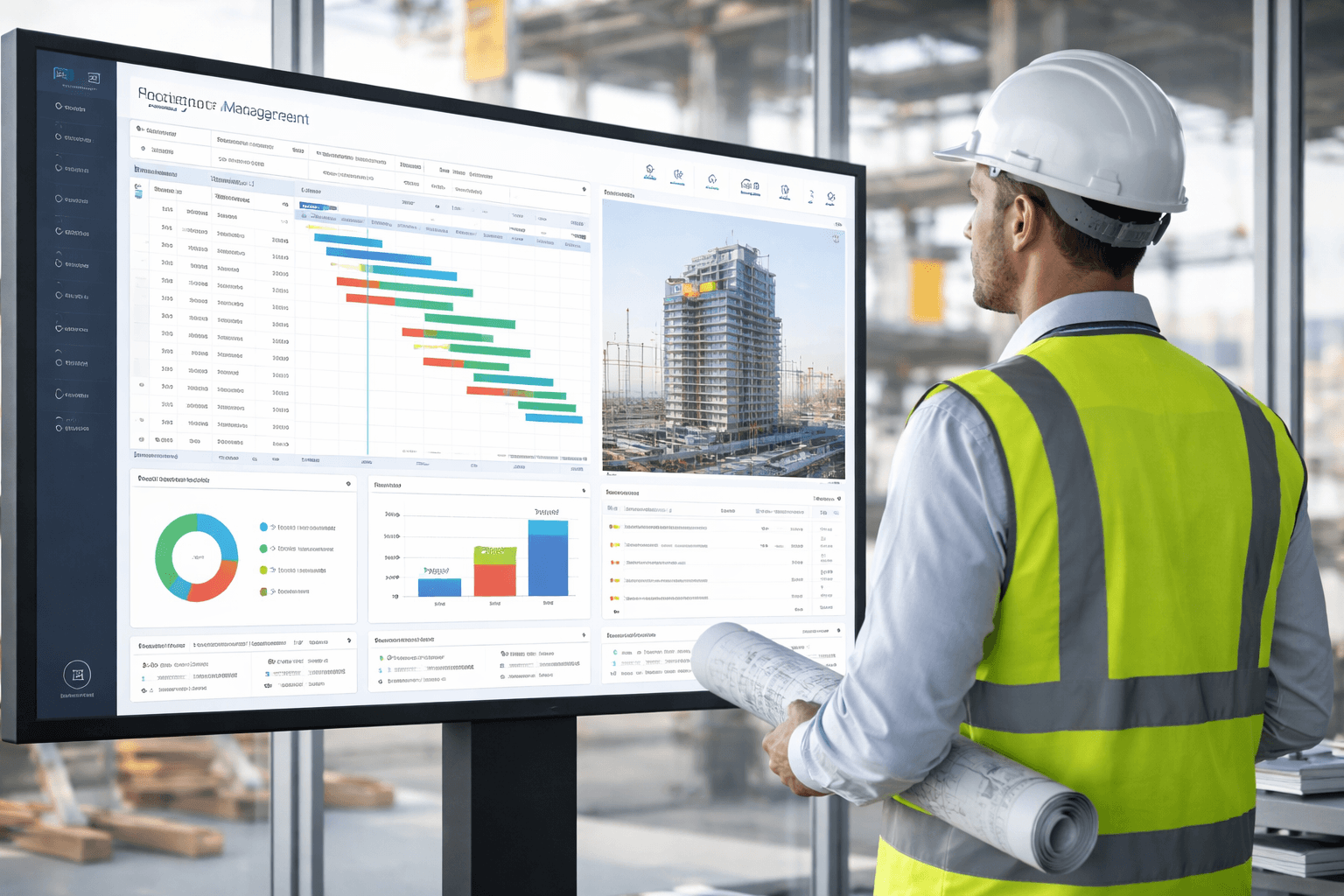
Construction project managers face a critical decision every day: is our current software helping or hindering our projects? While free construction management software can be a lifeline for small firms and simple projects, research shows that 67% of contractors eventually outgrow their free tools within the first year of operation. The hidden costs of manual workarounds, data duplication, and administrative overhead often exceed the investment in paid platforms.
This guide will help you identify exactly when free tools become a liability, what signals indicate it's time to upgrade, and how to make a data-driven decision that protects your bottom line. Whether you're managing residential builds or commercial developments, understanding the true cost of "free" is essential for sustainable growth.
What Free Construction Management Software Handles Well
Free construction management software serves a valuable purpose when workflows are simple and stakes are modest. For early-stage firms or contractors handling straightforward projects, these tools provide essential digitalization without financial commitment.
Small residential jobs: Managing 1-3 concurrent projects with limited team members and straightforward schedules
Basic task management: Creating task lists, simple Gantt charts, and mobile field updates without complex dependencies
File centralization: Replacing scattered email attachments and paper plans with one shared workspace accessible from job sites
Initial digitalization: Eliminating WhatsApp chaos and email chains by establishing a single source of truth for project communication
Proof of concept: Testing digital workflows before committing to paid platforms, especially for teams transitioning from manual processes
For subcontractor crews with fewer than 10 active users working on straightforward scopes, free tools deliver meaningful value. They provide mobile access, basic collaboration, and eliminate the paper trail—all without monthly fees.
Critical Limitations of Free Construction Software Plans
Most free construction tools use deliberate constraints to push growing businesses toward paid tiers. Understanding these structural limitations helps you anticipate bottlenecks before they impact your projects.
Scale and Capacity Restrictions
User caps: Typically limited to 3-10 users, making multi-subcontractor coordination impossible
Project limits: Maximum of 2-5 active projects, forcing you to archive ongoing work or lose visibility
Storage constraints: Often capped at 1-5GB, insufficient for photo documentation and drawing versions on larger jobs
Time restrictions: Some platforms limit free access to 30-90 days per project
Feature Gaps That Impact Operations
Shallow cost tracking: No integrated job costing, budget vs. actual comparisons, or committed cost visibility
Limited change management: Weak or absent change order workflows, making scope creep difficult to control
No accounting integration: Forcing double entry into QuickBooks, Sage, or other financial systems
Basic reporting: Generic dashboards without real-time cost, schedule, or resource analytics
Missing compliance tools: No audit trails, safety documentation, or regulatory reporting capabilities
Research indicates that contractors using free tools spend 8-12 hours per week on manual workarounds—time that could be spent managing projects or developing new business.
💡 Expert Tip
Track how many hours your team spends reconciling spreadsheets or manually transferring data between systems. If it exceeds 6-8 hours weekly, the "free" software is costing you more than a paid subscription would.
Clear Signals It's Time to Upgrade to Paid Software
Certain operational pain points serve as reliable indicators that free software has become a bottleneck rather than a solution. Recognizing these triggers early prevents costly project delays and budget overruns.
1. Project Complexity Exceeds Tool Capabilities
Multi-phase scheduling: Free tools struggle with dependencies, critical paths, and resource leveling across complex timelines
Subcontractor coordination: Managing 5+ subs simultaneously requires structured RFI, submittal, and change order workflows
Large commercial projects: Jobs exceeding $500K typically demand cost control and documentation that free tools cannot provide
2. Financial Visibility Becomes Critical
Budget surprises: Discovering cost overruns at month-end instead of tracking committed costs in real-time
Job profitability blindness: Inability to see actual vs. budgeted costs by phase or cost code during the project
Change order chaos: Losing track of approved changes and their impact on overall project budgets
Cash flow issues: Poor visibility into billing milestones, retention, and outstanding receivables
3. Administrative Overhead Spirals
One of the most telling signs is when you're hiring administrative staff to compensate for software limitations. If your team is spending excessive time on:
Data re-entry: Typing the same information into multiple systems (project tool, accounting, spreadsheets)
Manual reconciliation: Chasing updates by phone or email because the system lacks real-time collaboration
Report creation: Building custom Excel reports because dashboards lack necessary metrics
Communication management: Tracking conversations across email, text, and multiple platforms
4. Risk and Compliance Concerns Emerge
Documentation gaps: Missing audit trails for claims defense or dispute resolution
Safety compliance: Difficulty tracking safety inspections, incidents, and training requirements
Quality control: No structured punch list or defect tracking for warranty management
Regulatory requirements: Inability to generate reports for bonding, insurance, or regulatory audits
What Paid Construction Management Software Delivers
Premium construction platforms address the gaps that undermine project performance and profitability. The investment in paid construction management software typically delivers ROI within 3-6 months through reduced rework, better cost control, and operational efficiency.
End-to-End Project Workflows
Estimating integration: Seamless transition from estimate to budget to job costing
Document control: RFIs, submittals, transmittals, and drawing management with version control
Change management: Structured change order workflows with approval chains and budget impact tracking
Field reporting: Daily logs, timesheets, and progress photos linked directly to schedules and budgets
Closeout processes: Punch lists, warranty tracking, and as-built documentation
Robust Financial Controls
Job costing: Real-time tracking of actual vs. budgeted costs by phase, cost code, and resource
Committed costs: Visibility into purchase orders and subcontracts before invoices arrive
ERP integration: Two-way sync with accounting systems eliminating double entry and errors
Cash flow forecasting: Projected billing, payment schedules, and working capital requirements
Enhanced Collaboration and Visibility
Real-time dashboards: Executive views of portfolio health, schedule performance, and budget status
Role-based permissions: Controlled access ensuring field teams, subs, and owners see appropriate information
Mobile optimization: Full-featured apps allowing field teams to work offline and sync when connected
Structured communication: All project correspondence linked to relevant drawings, specs, and schedules
Scalability and Professional Support
Unlimited growth: Add users, projects, and storage as your business expands
Vendor onboarding: Implementation support, training, and data migration assistance
Priority technical support: Dedicated help when system issues threaten operations
Regular updates: Continuous feature improvements and security patches
💡 Expert Tip
Calculate your "cost of free" by multiplying administrative hours spent on workarounds by your average hourly rate. Most contractors discover they're spending $1,500-$3,000 monthly compensating for free software limitations—far exceeding typical paid platform costs.
Quick Decision Checklist: Free vs. Paid
Use this straightforward framework to determine whether your current situation justifies upgrading to paid construction management software.
Stay with Free Tools If:
You manage 1-3 simple projects concurrently with straightforward scopes
Your active user count remains under 10 people including subs and office staff
Project values are below $250K with minimal complexity or risk
Your primary goal is eliminating paper and email chaos, not advanced analytics
Team members spend less than 5 hours weekly on manual workarounds
Evaluate Paid Platforms If:
You're managing 4+ concurrent projects with overlapping resources
You experience frequent budget surprises or can't track committed costs
Administrative staff spend 8+ hours weekly reconciling spreadsheets or duplicate data entry
You're adding administrative positions primarily to manage software gaps
Projects involve complex subcontractor coordination requiring structured workflows
Upgrade Immediately If:
You're facing claims or disputes where documentation quality is critical
Planning to bid larger, higher-risk projects that demand financial controls
Experiencing recurring cost overruns exceeding 5-10% of budget
Compliance requirements demand audit trails and reporting your current tool cannot provide
Your free tool's limitations are causing project delays or quality issues
Industry data shows that contractors managing projects over $500K annually recover their software investment through improved cost control and reduced rework within the first two projects.
Key Takeaways
Free tools work well for small teams handling 1-3 simple projects, primarily replacing paper and email workflows
Typical limitations include user caps, storage restrictions, shallow cost tracking, and weak integrations that force manual workarounds
Upgrade signals include growing project complexity, cost visibility blindness, administrative overhead, and compliance requirements
Paid platforms deliver end-to-end workflows, robust financial controls, real-time collaboration, and scalability with professional support
Calculate hidden costs by tracking hours spent on spreadsheet reconciliation, data re-entry, and manual communication—often exceeding paid software fees
Frequently Asked Questions (FAQ)
What is the average cost of paid construction management software?
Paid construction management software typically ranges from $50-$150 per user per month for mid-tier platforms, with enterprise solutions costing $200-$500+ per user monthly. Most contractors find that platforms in the $75-$125 range provide the best balance of features and affordability for projects between $500K-$5M annually.
How long does it take to implement paid construction software?
Basic implementation with data migration and team training typically requires 2-4 weeks for small to mid-sized firms. Larger enterprises with complex workflows and extensive data migration may need 6-12 weeks. Most vendors offer phased rollouts, allowing you to start with one project while gradually expanding across your portfolio.
Can I start with free software and migrate to paid later?
Yes, many contractors successfully start with free tools and upgrade as they grow. However, data migration can be challenging if the free platform lacks export capabilities or uses incompatible formats. Choose free tools that offer paid upgrade paths with the same vendor to ensure smoother transitions and avoid data loss.
What ROI should I expect from paid construction software?
Industry studies show contractors typically achieve ROI within 3-6 months through reduced change order disputes, fewer budget overruns, and decreased administrative time. Specific benefits include 15-25% reduction in project delays, 10-20% improvement in budget accuracy, and 8-12 hours weekly saved on manual administrative tasks.
Do all team members need paid licenses or just project managers?
Licensing requirements vary by platform, but most offer tiered access levels. Project managers and estimators typically need full licenses, while field workers and subcontractors may use limited "collaborator" licenses at reduced cost or free. Evaluate your workflow to determine how many full licenses you actually need versus read-only or limited access accounts.
Conclusion
The decision to upgrade from free to paid construction management software isn't about following trends—it's about recognizing when your current tools become obstacles to growth and profitability. Free platforms serve an important role for small firms and simple projects, but the hidden costs of manual workarounds, administrative overhead, and poor financial visibility quickly outweigh the savings. By monitoring the clear signals outlined in this guide, you can make a data-driven decision that protects your projects and positions your firm for sustainable growth.
Start by calculating your true cost of "free"—track the hours your team spends compensating for software limitations this week. If those hours exceed the cost of a paid platform, you already have your answer. The best construction management software is the one that makes your team more efficient, your projects more profitable, and your business more competitive. Choose wisely, implement thoroughly, and watch your operational performance transform.